| CakeTools | [**Download Here**](https://www.patreon.com/PWMods) |
| Mod for installation | |
| CakeTools Fonts | [**Download Here**](https://storage.prowrestlingmods.io/misc/CakeTools-UI-Fonts_1.zip) |
This tutorial assumes that you have patched your WWE 2K22 exe to enable custom CAK files!
#### Step #1 | Preparation For the purposes of this tutorial, we will be using **[Dimma's WWE 2K22 Red/Blue mod](http://prowrestlingmods.io/file/6126f6a56b974ea447170c2e4b04426d)**. [](https://wiki.prowrestlingmods.io/uploads/images/gallery/2022-06/image-1655131868227.png) It is good practice once you have downloaded your mod, to extract it to a folder of its own somewhere on your computer.Make sure to install the required fonts for CakTools.
#### Step #2 | Setup Modding Inside your WWE 2K22 game directory, create a folder called **\_mods**. This is now a dummy folder which will contain all your downloaded mods; CakeTools will use this to bake a new CAK archive. [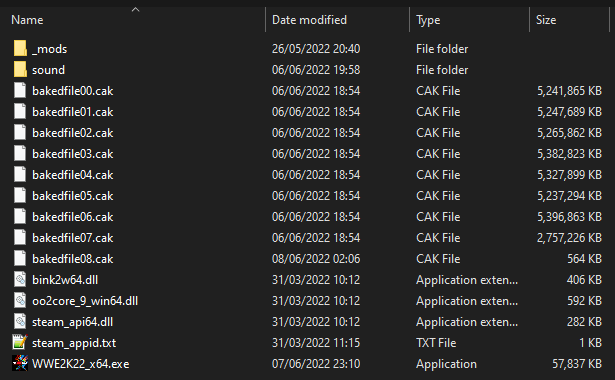](https://wiki.prowrestlingmods.io/uploads/images/gallery/2022-06/image-1655130724100.png) When we extracted Dimma's mod, inside we see an existing \_mods folder. Copy and paste this to merge with your existing folder that is located in your WWE 2K22 game directory. [](https://wiki.prowrestlingmods.io/uploads/images/gallery/2022-06/image-1655130883644.png) #### Step #3 | Baking Load CakeTools. Then choose '**File > Bake a Folder'**. [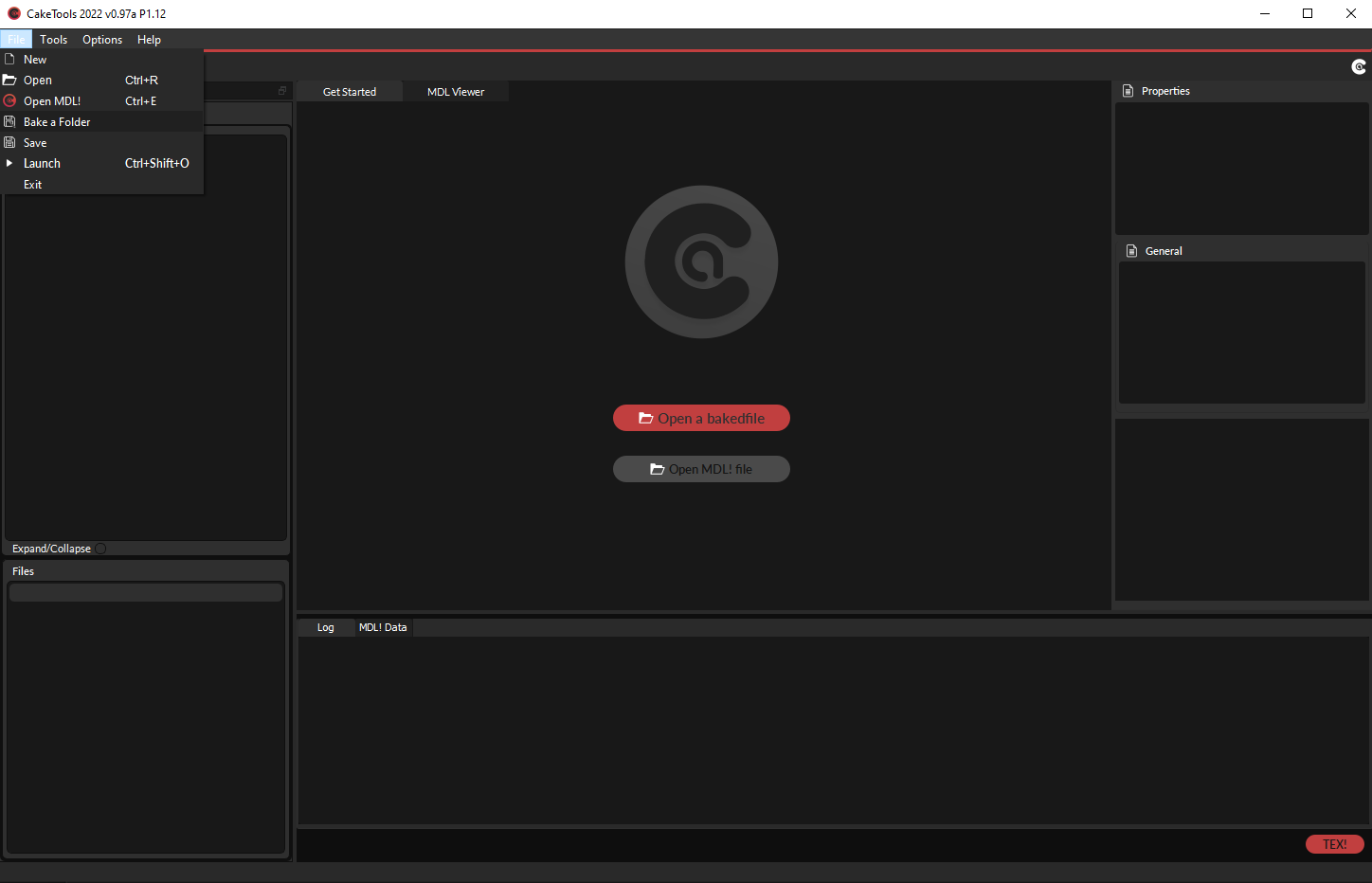](https://wiki.prowrestlingmods.io/uploads/images/gallery/2022-06/image-1655131018635.png) - Locate your \_mods folder. - Click to go through to your \_mods folder and select '**Select Folder'**. [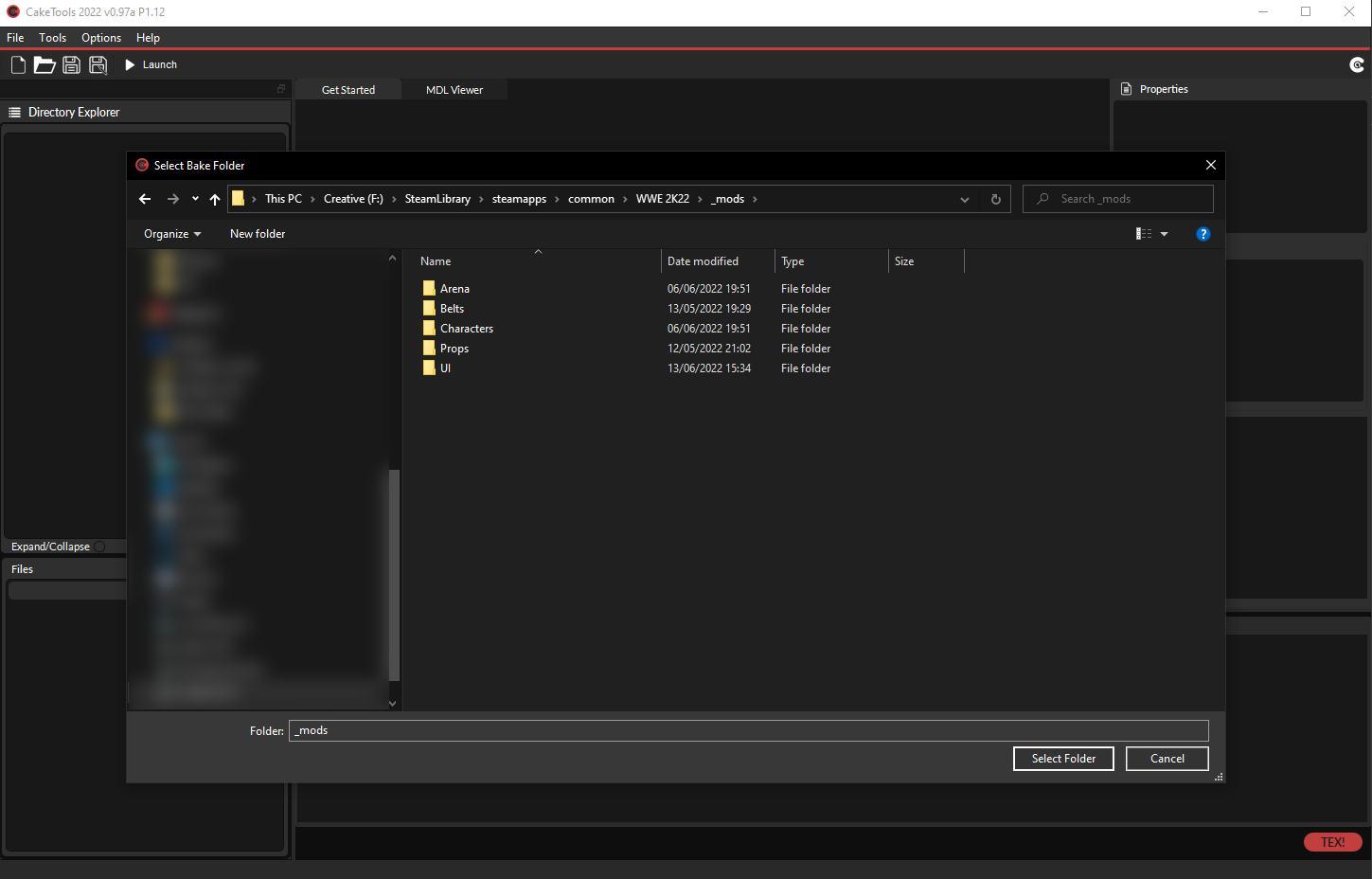](https://wiki.prowrestlingmods.io/uploads/images/gallery/2022-06/image-1655132076574.png) - You will be asked what index number you would like for your CAK. For unexperienced modders, the default 8 is what you're looking for. [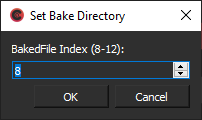](https://wiki.prowrestlingmods.io/uploads/images/gallery/2022-06/image-1655131164447.png) - Clicking OK will begin the process of baking your new CAK file. Once complete you will receive an alert notifying you of the successful bake. [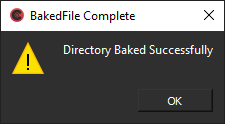](https://wiki.prowrestlingmods.io/uploads/images/gallery/2022-06/image-1655131256743.png) Inside your WWE 2K22 game directory, you will now see a bakedfile08.cak. This is your new CAK file that contains the mod you installed.You **MUST** re-bake your CAK every time that you install a new mod.
#### Step #4 | Success Well done! If you followed the steps correctly, your mod will now be visible the next time that you load the game. [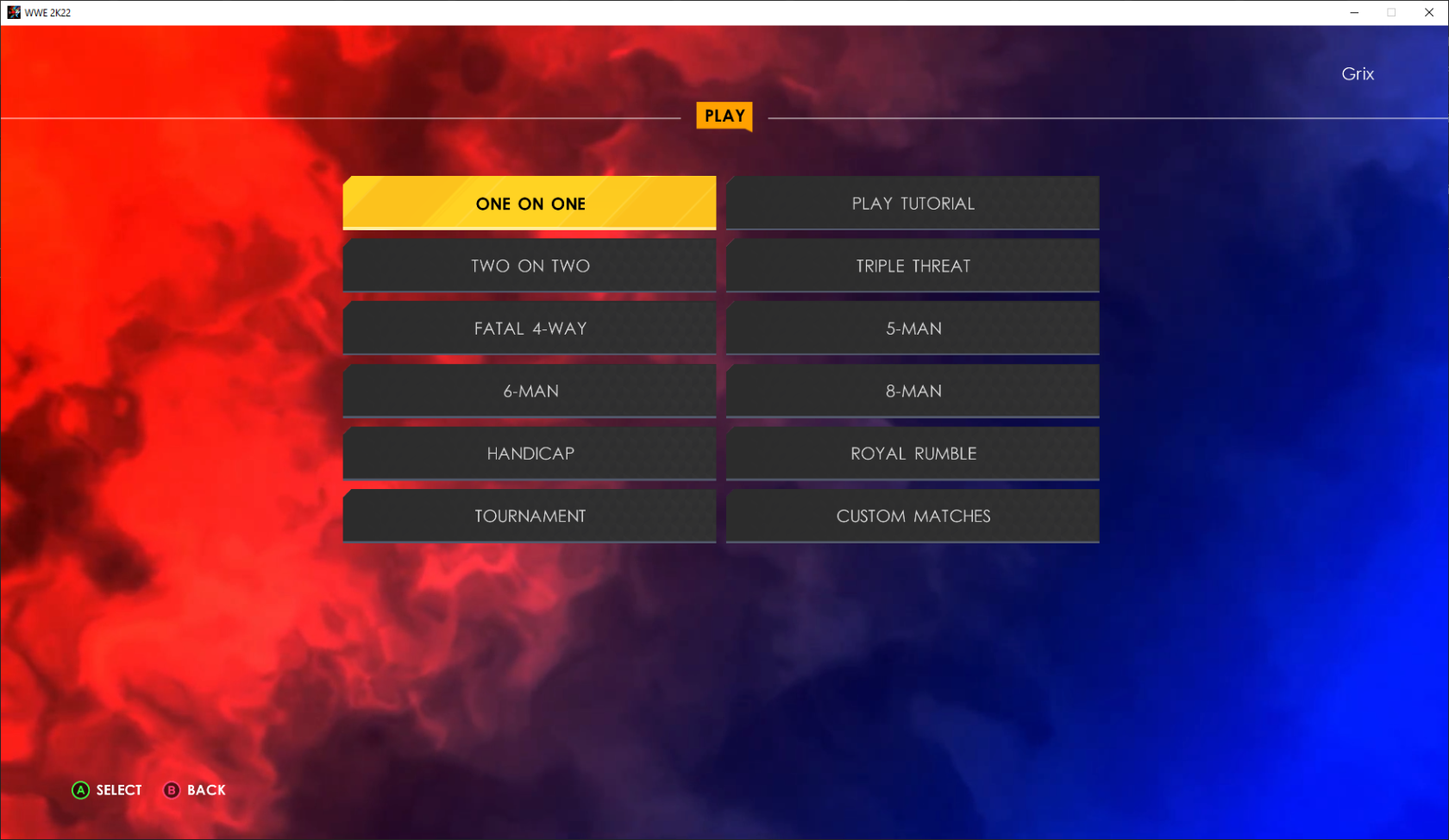](https://wiki.prowrestlingmods.io/uploads/images/gallery/2022-06/image-1655131562401.png)