| CakeTools | [**Download Here**](https://www.patreon.com/PWMods) |
| RAD Tools (Zip Password is RAD) | [**Download Here**](http://www.radgametools.com/down/Bink/RADTools.7z) |
| Sample Video (MP4) | [**Download Here**](https://mega.nz/folder/ohVjEZhD#ldwORA_QbDEfeii152CGYw) |
| 7 Zip 64-Bit \*OPTIONAL\* | [**Download Here**](https://www.7-zip.org/a/7z2107-x64.exe) |
Make sure to install the RAD Video Tools before proceeding.
We will use a sample video loop which is copyright free and no credit needed. You would want to make your own with your favorite video editing/productions software (Sony Vegas, Fimora, After Effects, etc).
Open RAD Video Tools on your computer and select the video loop file, then click **\[Bink It!\]** [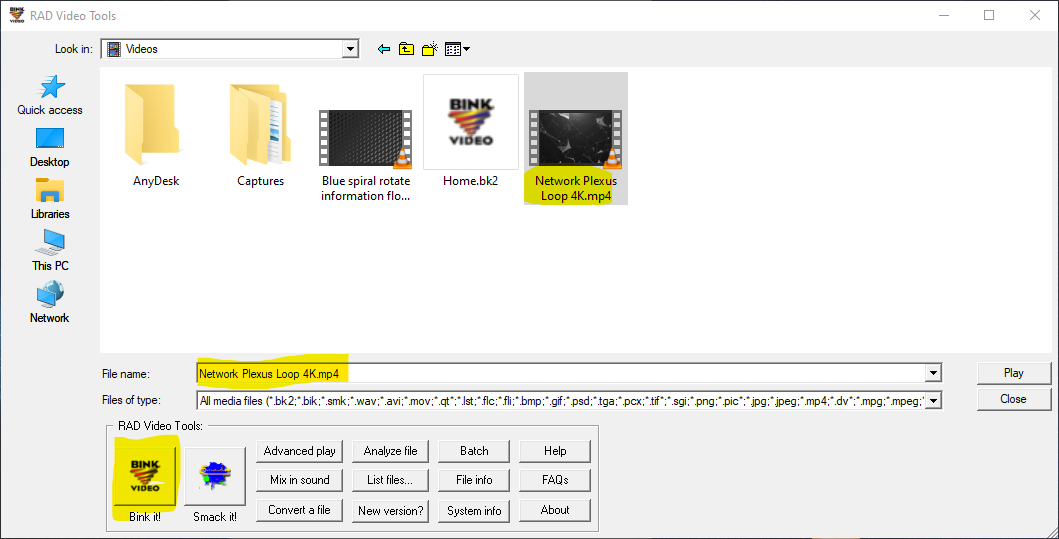](https://wiki.prowrestlingmods.io/uploads/images/gallery/2022-06/image-1655331506603.png) Change the name of the output file to *HomeScreenLoop-V4-1080.bk2* and click **\[Bink\]**! [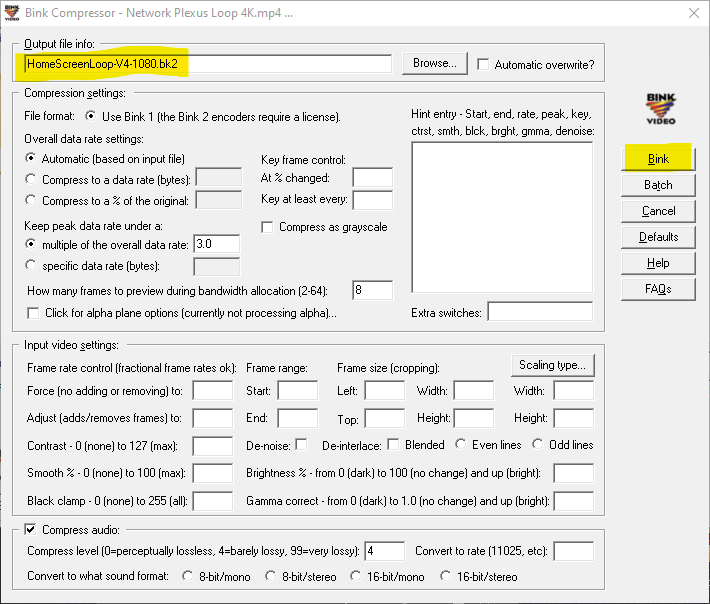](https://wiki.prowrestlingmods.io/uploads/images/gallery/2022-06/image-1655331724626.png)You will see a compression results box, when it is finished, you can close RAD Video Tools.
[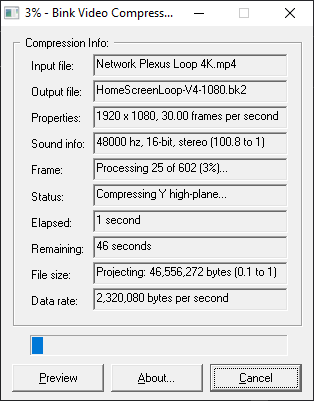](https://wiki.prowrestlingmods.io/uploads/images/gallery/2022-06/image-1655331738605.png)Now you can move this video into the ***\_mods\\UI\\Assets\\2K22\_video\\*** folder in your 2K22, create the folders inside \_mods if they are not already created.
#### Step #2 | Baking Load CakeTools. Then choose '**File > Bake a Folder'**. [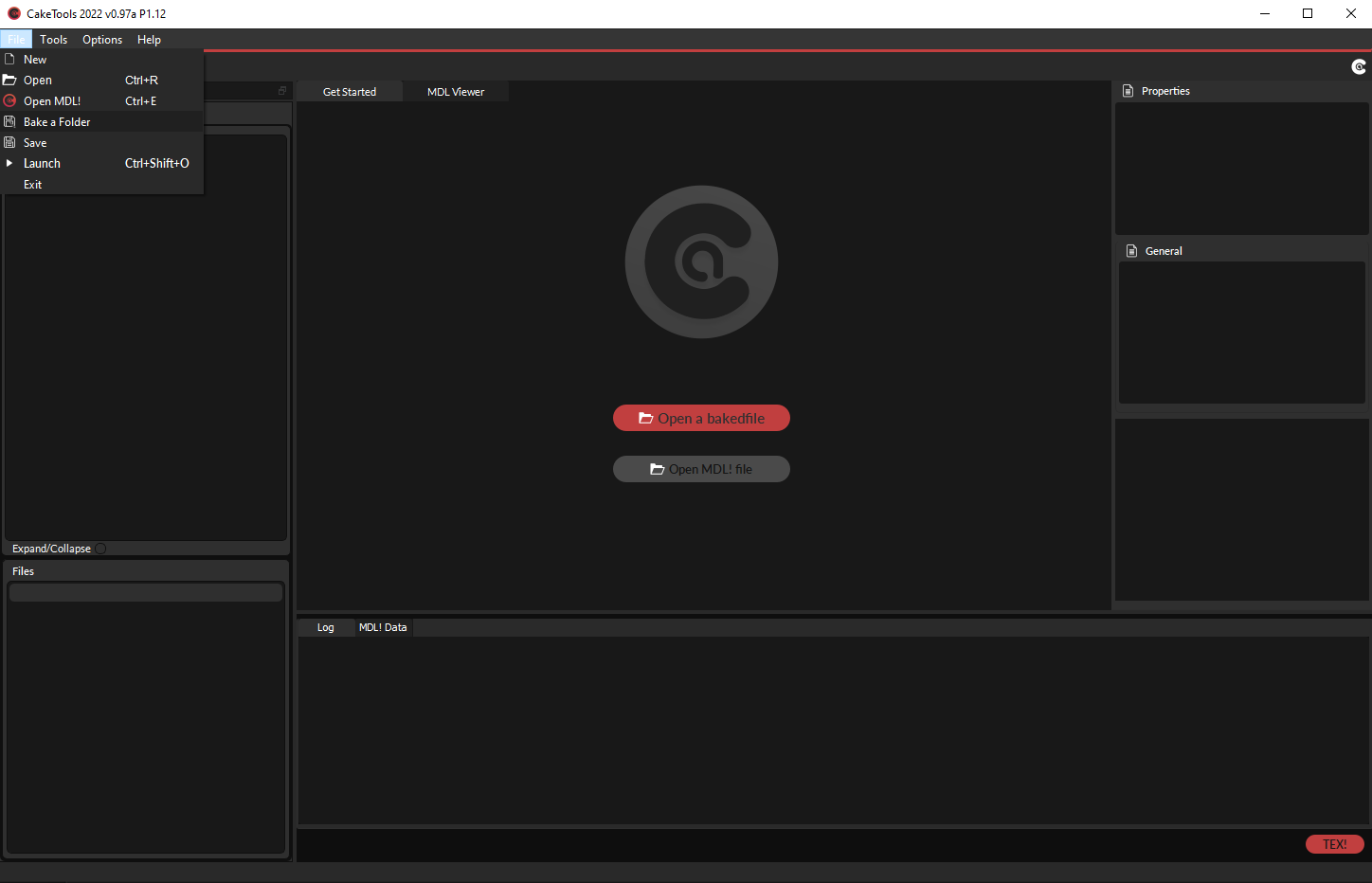](https://wiki.prowrestlingmods.io/uploads/images/gallery/2022-06/image-1655131018635.png) - Locate your \_mods folder. - Click to go through to your \_mods folder and select '**Select Folder'**. [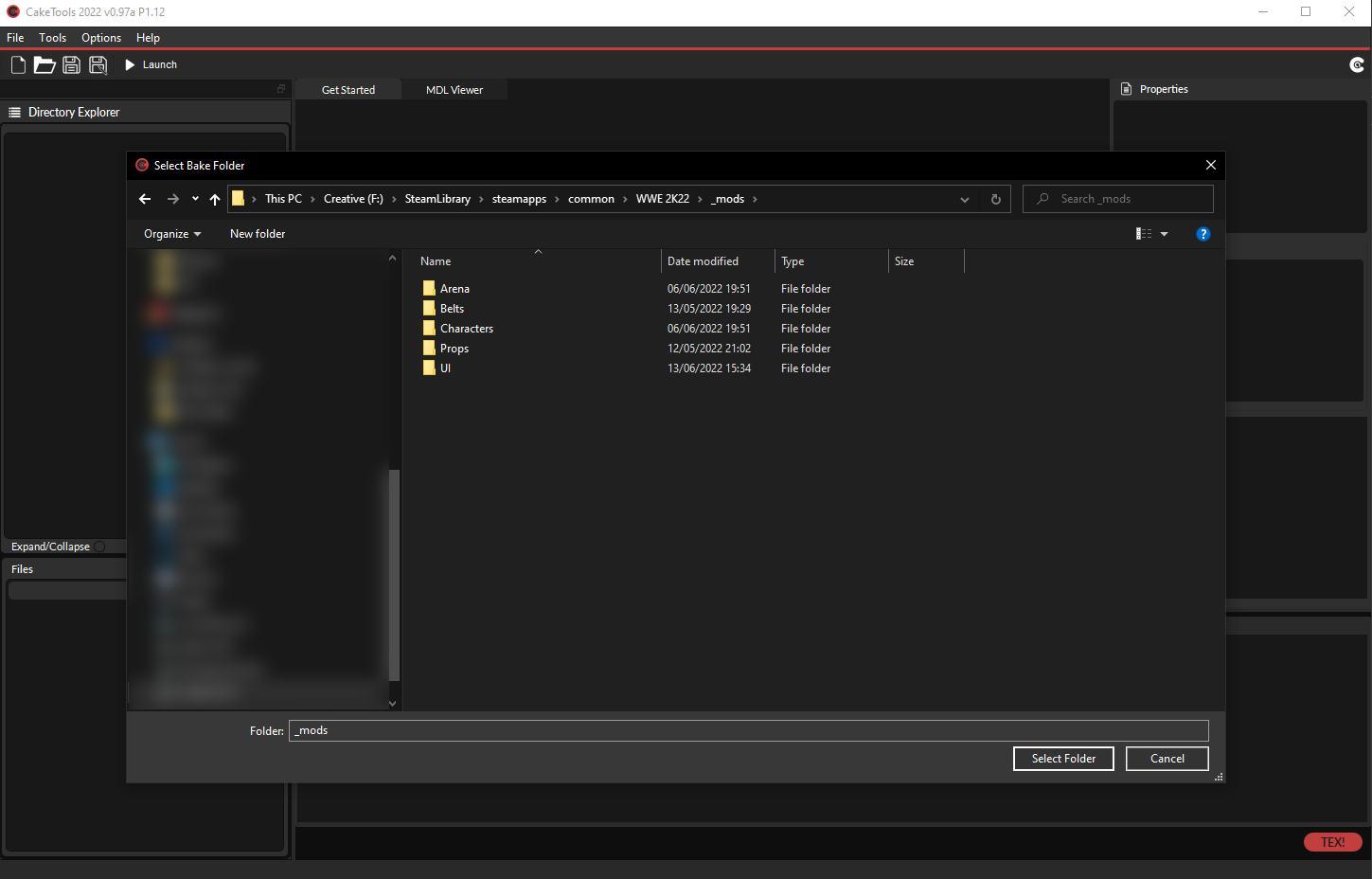](https://wiki.prowrestlingmods.io/uploads/images/gallery/2022-06/image-1655132076574.png)You will be asked what index number you would like for your CAK. For new inexperienced modders, the default BakedFile Index 8 is what you're looking for.
[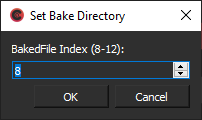](https://wiki.prowrestlingmods.io/uploads/images/gallery/2022-06/image-1655131164447.png) - Clicking OK will begin the process of baking your new CAK file. Once complete you will receive an alert notifying you of the successful bake. [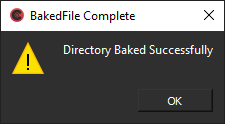](https://wiki.prowrestlingmods.io/uploads/images/gallery/2022-06/image-1655131256743.png) Inside your WWE 2K22 game directory, you will now see a bakedfile08.cak. This is your new CAK file that contains the mod you installed.You **MUST** re-bake your CAK every time that you install or create a new mod.
#### Step #3 | Success [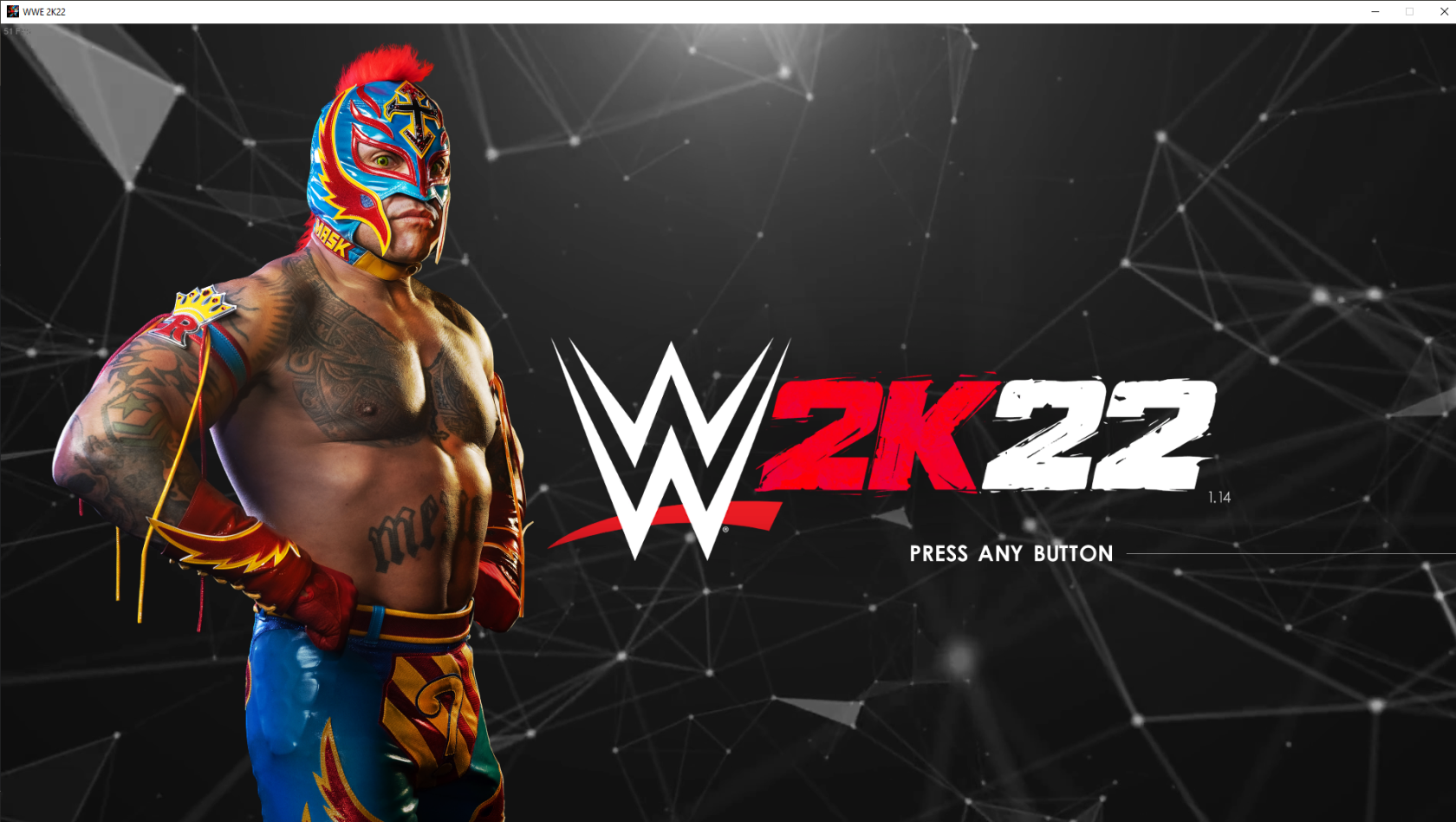](https://wiki.prowrestlingmods.io/uploads/images/gallery/2022-06/image-1655332562003.png)